
OSI Model
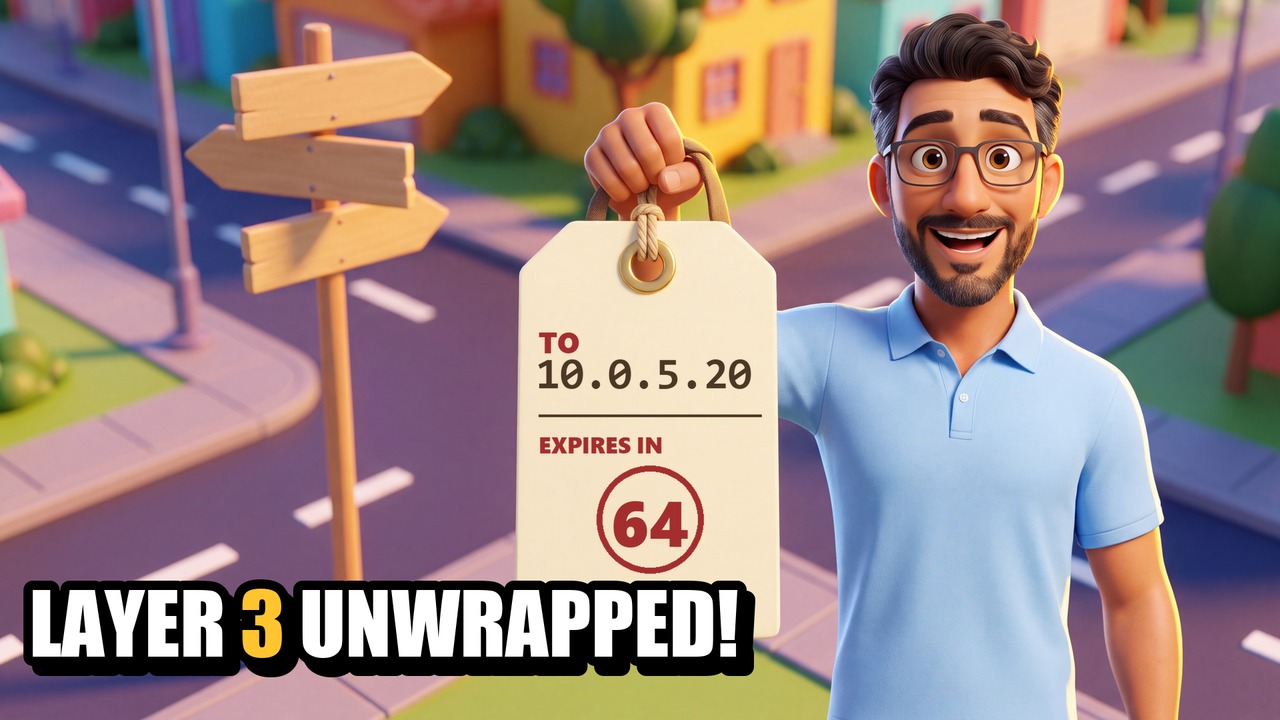
OSI Layer 3 Unwrapped! The Network Layer
7:17Coming soon
She can print. She can open files on the server down the hall. But no website loads, and the other office might as well be on the moon. Layer 1 is fine, Layer 2 is fine — so what gets data off the street and across the city? In this episode Professor Flows explains the Network layer using Byte City: the lawn sign is the IP address, the intersection is a router, the road atlas is its routing table, and the mail bag is the packet.
You'll learn
- Why an IP address is two addresses in one — part street, part house — and what /24 means
- Physical vs logical addresses: the stamped plaque and the painted lawn sign
- The one question every host asks before it sends: "is it on my street?"
- The default gateway — and why it MUST be on the same network as the host, no exceptions
- How a router reads its routing table: most specific row wins, and the default route
- TTL: the expiry stamp that kills packets caught in a routing loop, and the ICMP note sent back
- Real commands: ipconfig, ping and tracert — and how tracert uses TTL to map the path
- A classic fault: everything local works, nothing remote does — a mistyped default gateway
Chapters
- 0:00Everything down the hall works
- 0:31The lawn sign: IP addresses, street and house
- 1:41"Is it on my street?" and the default gateway
- 2:11The rule with no exceptions: the gateway MUST be on the same network
- 2:48Routers and the road atlas: the routing table
- 3:53The expiry stamp: TTL and routing loops
- 4:46The real names, and IPv6 in 40 seconds
- 5:27The real thing: ipconfig, the typo, tracert
- 6:14Exam corner
- 6:37Recap and next time
Exam objectives: CompTIA Network+ N10-009: 1.1 (OSI model), 1.4 (ICMP), 1.7 (IPv4 addressing, CIDR), 2.1 (routing: static, dynamic, default route), 5.5 (ipconfig, ping, tracert).
Byte City is not affiliated with or endorsed by CompTIA.