
OSI Model
OSI Layer 2 Unwrapped! The Data Link Layer
6:28Coming soon
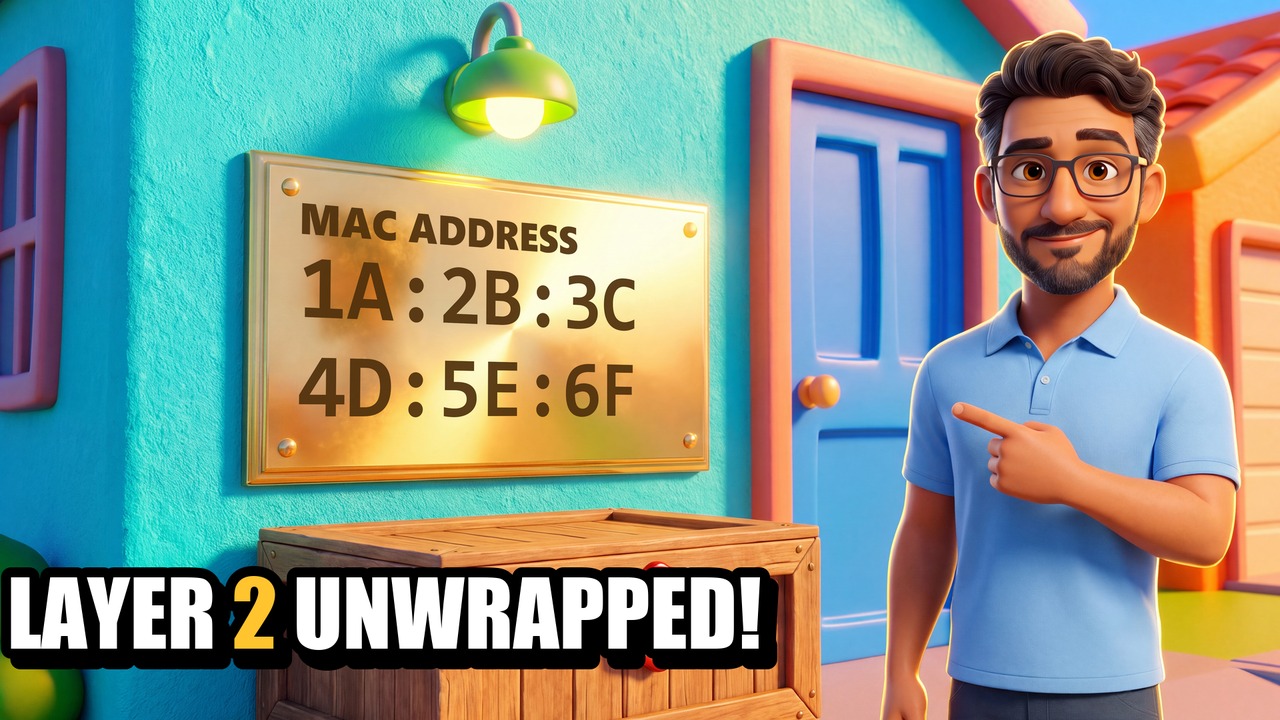
You replace a dead network card — same computer, same cable, same wall port — and the network treats the machine like a total stranger. Why? Because Layer 2 never looked at the computer. It looked at the brass plaque. In this episode Professor Flows explains the Data Link layer using Byte City: the brass plaque is the MAC address, the crate is the frame, and the switch-depot is a switch that teaches itself where everyone lives.
You'll learn
- What a MAC address is, where it lives, and what its two halves mean
- The frame: destination MAC, source MAC and the checksum seal (FCS)
- Why Layer 2 detects damage but never repairs it
- How a switch learns — the MAC address table, flooding and broadcasts
- ARP: how a computer turns an IP address into a MAC address
- The big one: the IP address stays the same end to end, the MAC addresses change at every hop
- Exactly which MAC addresses go on the new frame at each router — source and destination, hop by hop
- Real commands: ipconfig /all, arp -a and show mac address-table
Chapters
- 0:00The stranger
- 0:25The brass plaque: MAC addresses
- 1:10The crate: frames and the checksum
- 1:49The switch-depot: how a switch learns
- 3:06ARP: "Who lives at number twenty?"
- 3:36Leaving the street: which plaques go on the new crate
- 4:57The whole wrapping order: segment, packet, frame
- 5:16The real thing: ipconfig, arp -a, and exam corner
- 6:00Recap and next time
Exam objectives: CompTIA Network+ N10-009: 1.1 (OSI model), 1.2 (switches), 2.2 (switching features), 5.5 (arp, show mac-address-table).
Byte City is not affiliated with or endorsed by CompTIA.