
OSI Model
OSI Layer 1 Unwrapped! The Physical Layer
4:59Coming soon
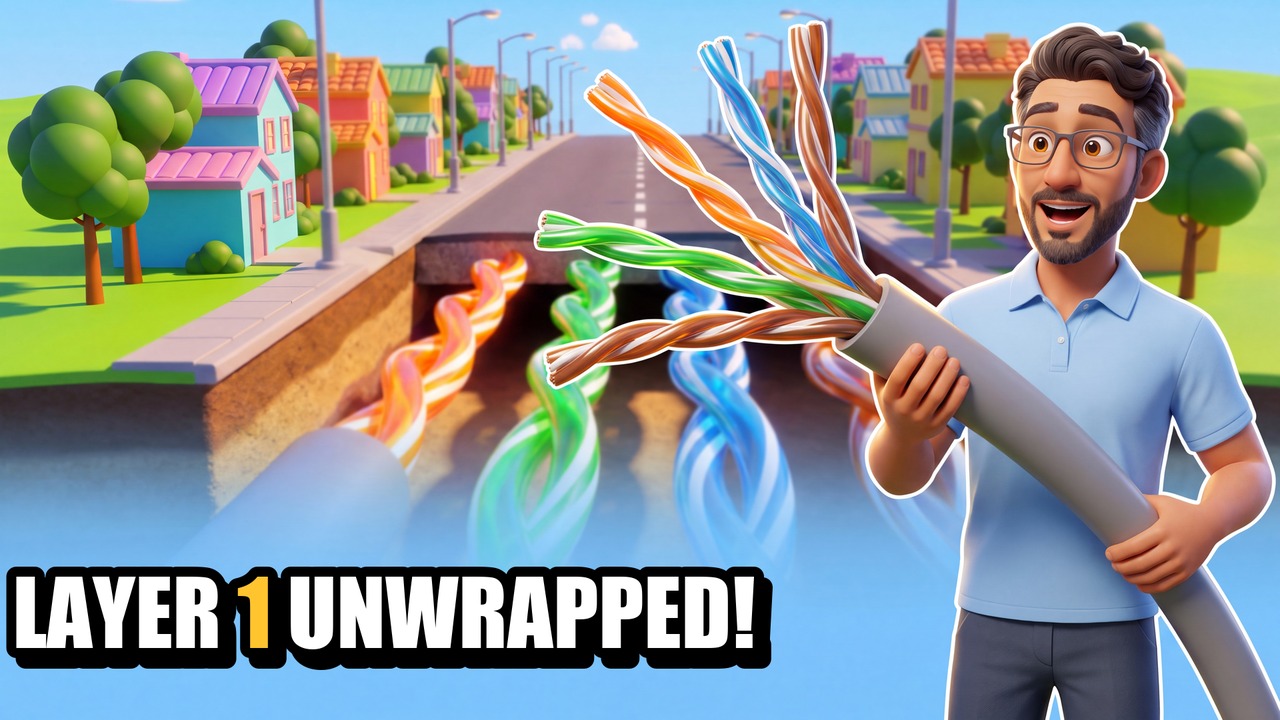
A user's computer is slow after an office move. The settings are perfect, the link light is green — and nothing in software will ever fix it, because the problem is in the road. In this episode Professor Flows takes you down to Layer 1 of the OSI model, the Physical layer, using Byte City's three kinds of road: asphalt (copper), the glass express tube (fiber) and the radio tower (wireless).
You'll learn
- What Layer 1 actually does — and why it never reads what it carries
- Twisted pair: why the twist matters, the 100-metre limit, Cat 5e vs Cat 6 vs Cat 6A
- Fiber: multimode vs single-mode, and why light ignores electrical noise
- Wireless: shared air, distance, and 2.4 vs 5 and 6 GHz
- What lives at Layer 1: cables, connectors, transceivers, repeaters and hubs
- The four ways Layer 1 breaks: attenuation, interference, crosstalk and damage
- A real fix: reading link speed with Get-NetAdapter and finding a broken pair
Chapters
- 0:00The slow desk
- 0:30Layer 1 has one job: move bits
- 0:56Road 1: copper and twisted pair
- 1:47Road 2: fiber
- 2:17Road 3: wireless
- 2:44What lives at Layer 1 — and how it breaks
- 3:29The real thing: Get-NetAdapter and the broken pair
- 4:10Exam corner
- 4:28Recap and next time
Exam objectives: CompTIA Network+ N10-009: 1.1 (OSI model), 1.5 (transmission media and transceivers), 5.2 (cable and physical interface issues).
Byte City is not affiliated with or endorsed by CompTIA.